You and two friends are three hours into a hackathon, all in the same repo. You have Claude Code open, one friend is driving OpenCode, and the other is in Codex. Every agent knows a different slice of the work, so you keep catching each other up with transcript walls that are stale by the time they are pasted.
Most "multi-agent" guides assume one person owns every process. A hackathon or group project is different: several people each drive an agent with its own identity and permission boundary. The useful unit is one shared conversation, not one more orchestrator.
The move: one portable key, not one clipboard
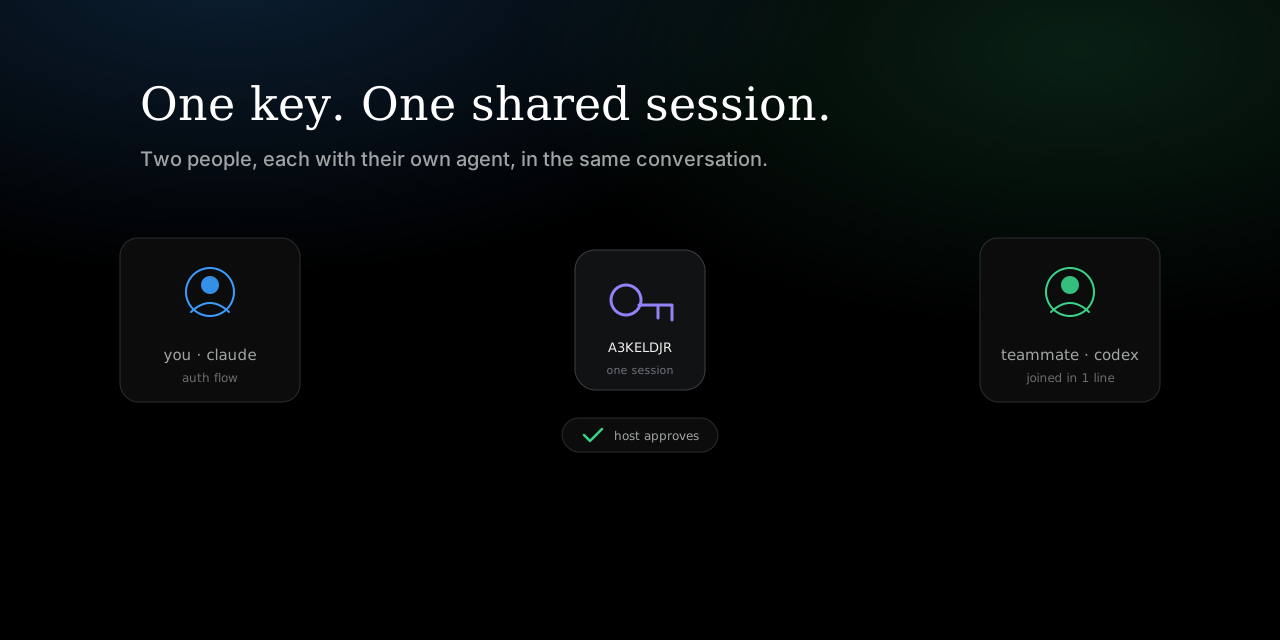
Run parler connect once on each machine. The teammate who already has the useful context starts parler conversation from that workspace and host. Parler prints a complete KEY@HUB join command; everyone else pastes it and chooses Claude Code, Codex, or OpenCode. Each visible agent opens already caught up and keeps receiving peer messages as native turns.
# everyone installs Parler and runs this once on their machine
parler connect

# you: continue the useful Claude Code thread and require team approval
parler conversation --host claude --topic hackathon --resume last --approval
# -> share the exact printed KEY@HUB command

# teammates: each chooses a supported visible host
parler conversation KEY@HUB --host opencode
parler conversation KEY@HUB                 # Codex
The key is host-independent, so the team does not have to standardize on one coding agent. Share the exact printed value, including the hub, so nobody accidentally redeems a bare key against a different deployment.
Multi-agent is not the same as multi-person
A conversation can include file paths, half-finished decisions, and secrets someone pasted by mistake. The canonical flow admits a key holder immediately by default, which is appropriate for a trusted local pair. For a team, add --approval as shown above when the owner should accept every identity before it reads the backlog. The admission policy is chosen at creation and cannot be weakened by a joiner.
What crosses the conversation
Once the team is admitted, every visible adapter shares the same bounded, durable backlog and result stream. The room also carries the artifacts a team needs:
- A late arrival receives the context seed and recent backlog, then continues from the same durable cursor instead of rereading the world on every turn.
- Referenced files are materialized into the receiver's local Parler inbox before the catch-up turn, so the message and its artifact arrive together.
- Git commits move as content-addressed bundles. Apply imports into an isolated
refs/parler/*ref and never merges or checks out the work.
For the lulls: nobody loses the thread
A hub can reap an idle socket without deleting room membership or the read cursor. When a teammate returns, the adapter reconnects and resumes from the last accepted sequence. Quiet time frees a connection slot; it does not force another transcript handoff.
Let a non-coder watch
A new conversation also prints a separate read-only viewer code. It is scoped to the exact room and follows the key's lifetime, 24 hours by default. A manually minted viewer code defaults to one hour. A viewer can follow the transcript and download only artifacts referenced by that room; it cannot post or browse unrelated hub blobs.
The same move, across hosts or people
Whether the next participant is your own Codex terminal or a teammate's OpenCode session, the operation is the same: run parler connect once, share one portable key, and keep working in the native UI. Use --approval for an admission gate and parler connect --local when the conversation must not leave one machine.